
How to Log In to a Yahoo Account: IMAP-Only or Web Login, and Which One You Have
October 16, 2026
BuyYahooAccounts Support Desk· Customer support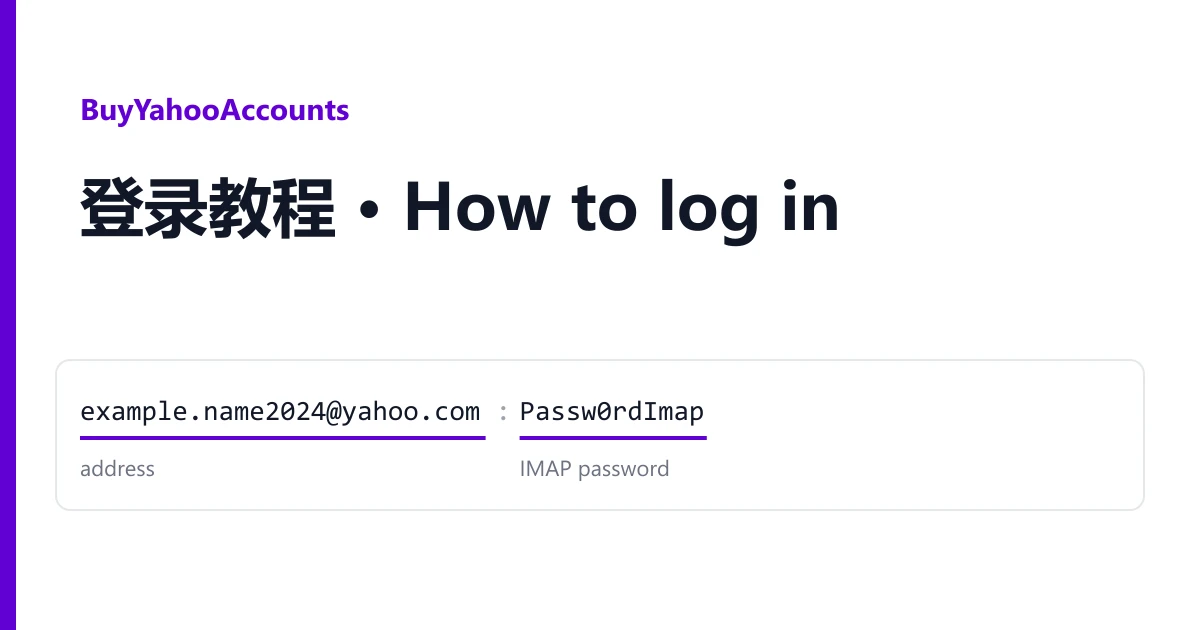
Most failed Yahoo sign-ins we see have one cause: an account sold for mail clients was typed into the Yahoo web page. Yahoo accounts on BuyYahooAccounts come in two kinds, and they open in different places. Work out which kind you bought, and the rest of this guide is short.
Step zero: which kind is it?
Look at the title of the listing you ordered from. It always says which kind it is.
| Mail-client only | Web login | |
|---|---|---|
| Words in the title | "not for browser", "no web", "login only via IMAP, POP3, SMTP", or just IMAP / POP3 / SMTP | WEB next to the protocols, or "web login" |
| Opens in | Thunderbird, Outlook, a phone mail app, your own script | yahoo.com and the Yahoo Mail app, plus mail clients |
| Sign-in at yahoo.com | Expected to fail. Not a fault | Works |
| Password you use | The IMAP password from your line | The account password |
| Can change password, recovery, 2FA | No, there is no web session to do it from | Yes, after signing in |
Most listings are the mail-client kind. They are auto-registered, confirmed by SMS at registration, and handed over for sending and receiving through a program, not for reading in a browser.
Reading your line
Lines are on your order page, one per account, fields separated by colons or semicolons. The shapes you will meet:
example.name2024@yahoo.com:Passw0rdImap
address : IMAP password

example.name2024@yahoo.com:Passw0rdImap:123456789:example
address : IMAP password : extra field : extra field

example.name2024@yahoo.com;Passw0rd!;Passw0rdImap
address ; web password ; IMAP password
The first field is always the address. On mail-client listings the second field is the password your program uses; listings that say "Format: login:IMAP password" mean exactly this. Many lines carry two more fields after it, a long number and a word. You do not need them to connect; keep them with the account in case support asks. The three-field format with semicolons, used where the listing states it, gives a web password and a separate IMAP password. A listing that names an OAuth token adds it to the line for tools that sign in with a token.
If you bought the mail-client kind
Add the account to any program that speaks IMAP or POP3. Choose manual or advanced setup, not the automatic Yahoo button, which tries to open a web sign-in.
| Setting | Value |
|---|---|
| Incoming (IMAP) | imap.mail.yahoo.com, port 993, SSL/TLS |
| Incoming (POP3, download only) | pop.mail.yahoo.com, port 995, SSL/TLS |
| Outgoing (SMTP) | smtp.mail.yahoo.com, port 465 SSL/TLS, or 587 STARTTLS |
| User name | The full address, including @yahoo.com |
| Password | The IMAP password from your line |
Then send one message to another mailbox of yours and reply to it. When the reply arrives, both directions work and the account is as sold.
What you should not do with this kind: try it at yahoo.com "to check". The web page will refuse it or ask for a phone you do not have, and a browser attempt on a listing marked not for browser is outside the warranty.
If you bought the web-login kind
- Open yahoo.com and choose Sign in. Enter the address, then the password.
- If Yahoo asks for a verification code and your line includes a 2FA key, paste the key into the online 2FA code generator and type the six digits it shows. The code changes every 30 seconds.
- If Yahoo offers to send a code to a recovery mailbox that came with the account, use it only if your line includes that mailbox's login.
Once inside, open the account's security settings and take it over: a new password, your own recovery email, and if 2FA was on, a new key or authenticator of yours. Then the account no longer depends on anything in the delivered line. These accounts also work in mail clients; use the server table above.
When it does not work
The mail client says the password is wrong. Copy the password field again on its own; a colon or a trailing space from the line is the usual cause. Make sure you used the IMAP password, not the web one, on three-field lines.
The client connects but cannot send. Check the outgoing server and port. Port 465 needs SSL/TLS, port 587 needs STARTTLS; mixing them fails silently in some programs.
A web-login account asks for a phone number. The number used at registration is not included. Do not keep retrying; take a screenshot.
For any account that does not work the way its listing says, open a ticket from your order page within the warranty window shown on the listing. Name the address and attach a screenshot of the error. It is replaced from the same listing, or refunded if the listing has run out. Signing in never voids the warranty. Blocks caused by bulk sending or other automated activity are not covered.
Looking for the other kind, or a different age? Every Yahoo listing is in the catalogue, with the kind in its title.